
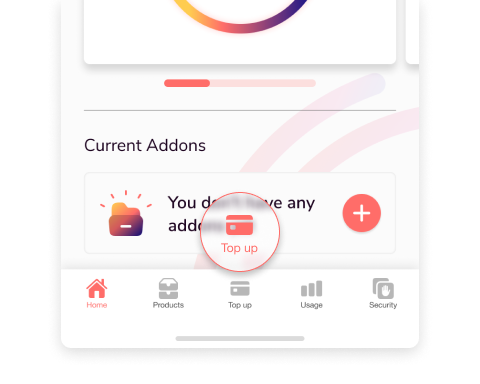
Click the “Top up” tab along the bottom of the screen
Select “AUTO”

Enable auto top up every X days OR
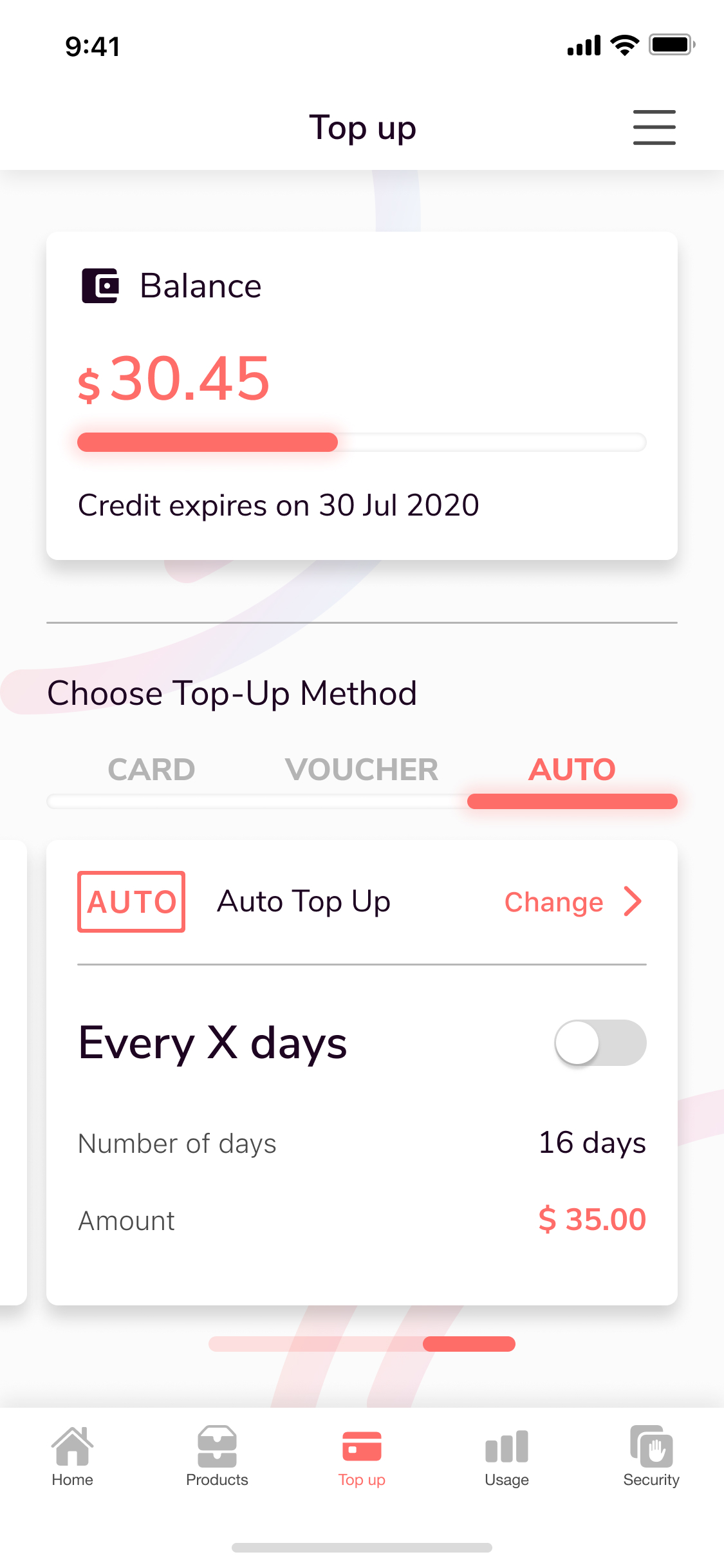
Note: Every X days allows you to set a rule that means your credit card will automatically top up your account a certain amount of money every certain amount of days that you customize.
Click “Change” and select “balance below $1 “
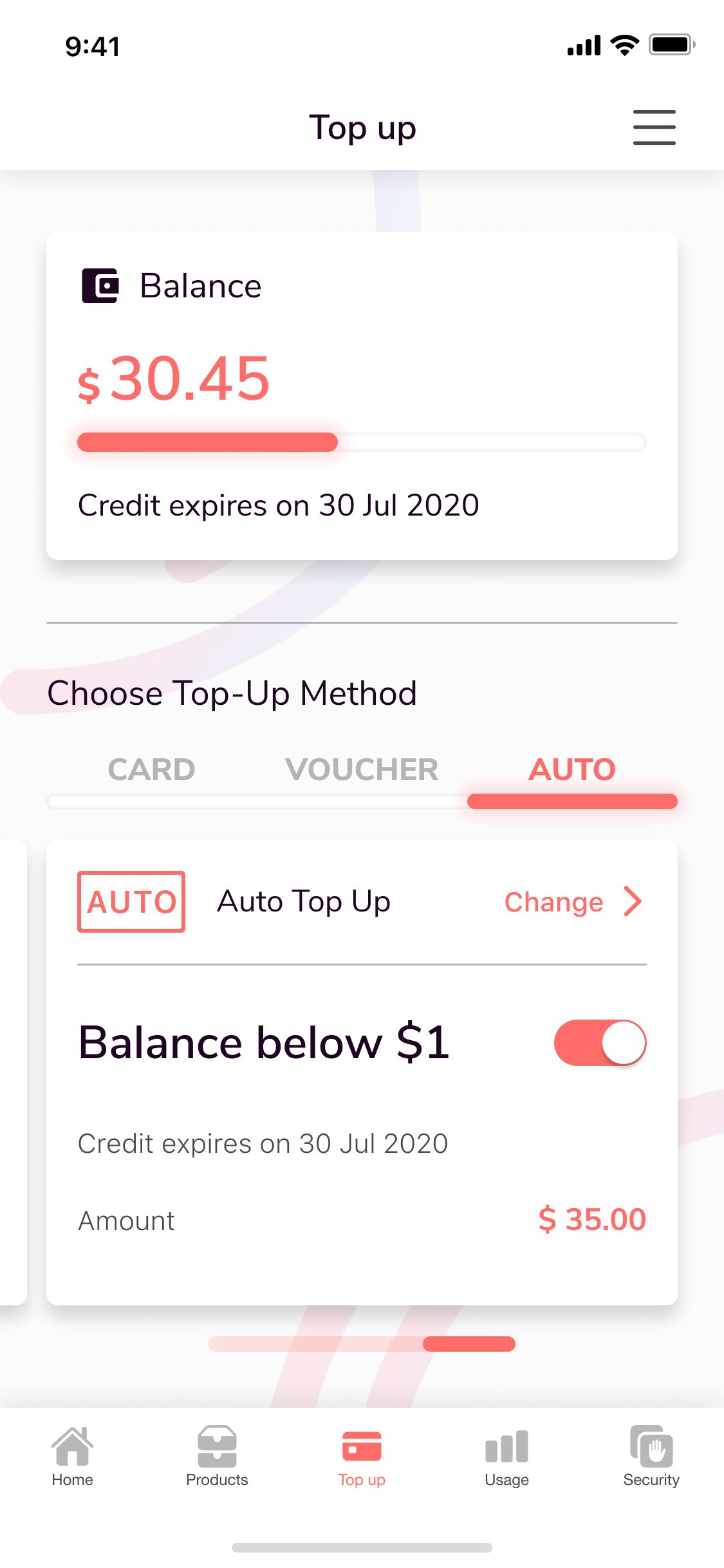
Note: Balance below $1.00 setting will automatically top up your account using your default credit card once your account balance is lower than $1.00. You can customize the top up amount.
Whichever option you choose, to save it, simply click ”Save”
Comments
0 comments
Please sign in to leave a comment.