
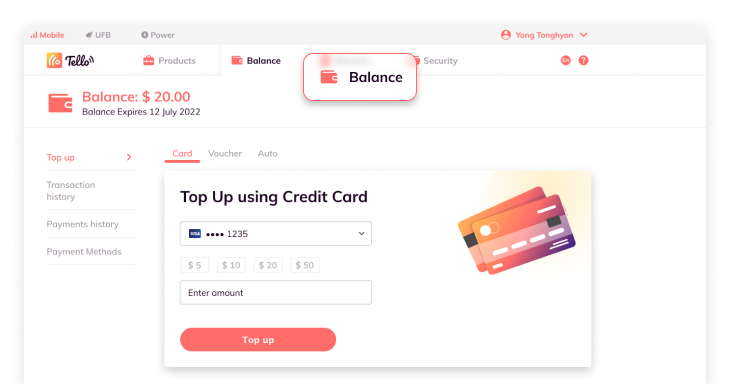
Click the “top up” tab along the top of the screen
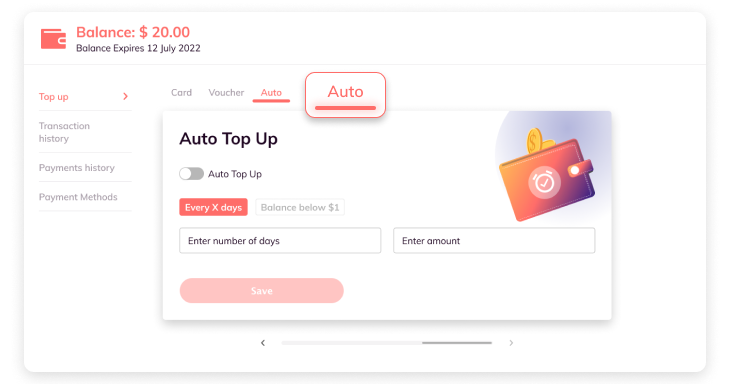
Select “Auto”
Click the toggle to Enable Auto Top up
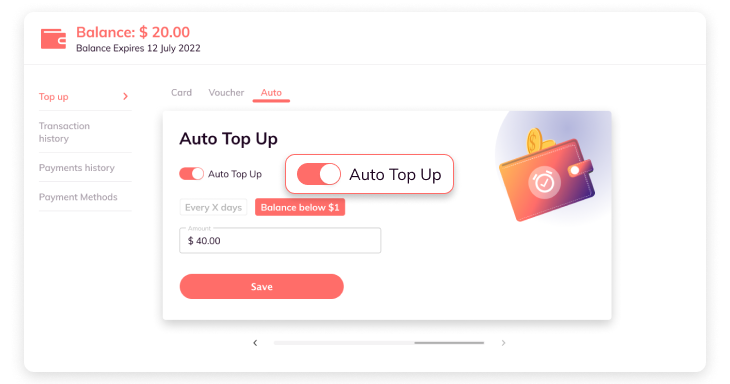
Select every X days OR balance below $1
Note: Every X days allows you to set a rule that means your credit card will automatically top up your account a certain amount of money every certain amount of days that you customize.
Note: Balance below $1.00 setting will automatically top up your account using your default credit card once your account balance is lower than $1.00. You can customize the top up amount.
Whichever option you choose, to save it, simply click ”Save”
Comments
0 comments
Please sign in to leave a comment.